
Accessible Music Player
Queue Music — Accessible Music Video Player for YouTube
Funded by the Mozilla Foundation · Developed by Thomas Logan · Version 1.6

The Challenge
Most music players aren't built for keyboard-only or screen-reader users.
YouTube has millions of songs, but navigating search results, managing a playback queue, and controlling audio without a mouse can be frustrating or impossible in a standard browser.
Queue Music was designed from the ground up to solve this — with ARIA Live Regions, full keyboard control, and a clean three-panel layout.
-
✕
No keyboard navigation
Standard YouTube requires a mouse to search, select, and manage tracks.
-
✕
Poor screen-reader support
Most players don't announce track changes, queue updates, or playback status.
-
✕
No persistent queue
Building and saving a music queue across sessions isn't possible in a typical YouTube tab.
How It Works
Three panels. One accessible workflow.
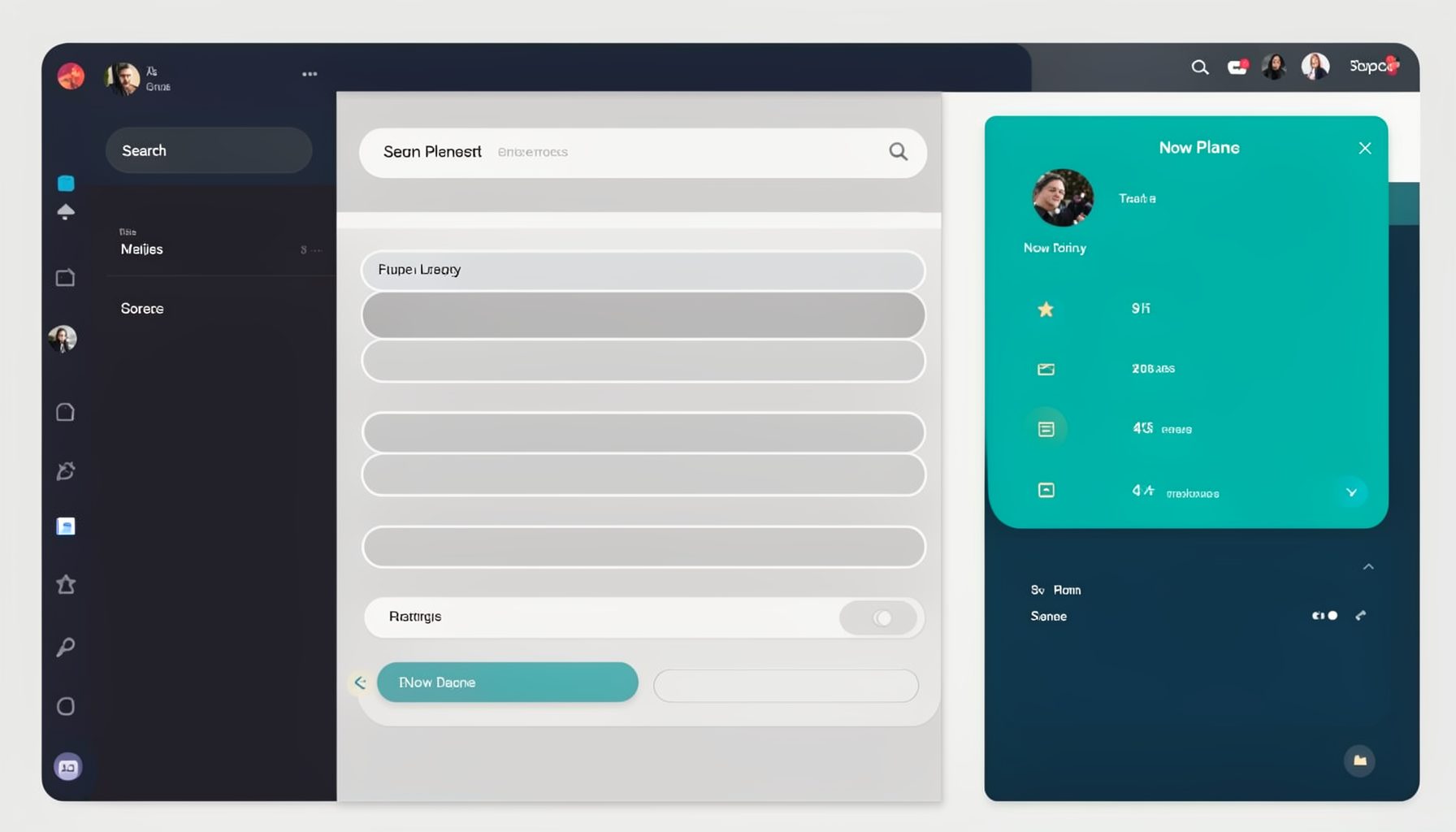
Our article Inside Queue Music's live region strategy for fast queue updates details the live region strategy behind fast queue updates. Queue Music organizes everything into three clear sections — search, queue, and playback — each fully operable by keyboard.
Song Search
Type an artist or song name and browse results with UP and DOWN arrow keys. Press ENTER, SPACE, or RIGHT arrow to add the selected track to your queue.
- Keyboard-navigable search results list
- ARIA Live Region announces each result
- Instant add to queue with a single keystroke
Your Queue
Manage your playlist with full keyboard control. Navigate with UP/DOWN arrows, DELETE to remove items, and press ENTER or SPACE to play any track. Use Shuffle to mix things up.
- Reorder and remove tracks by keyboard
- Shuffle feature for varied playback
- CTRL+S saves your queue for later
Plus the Now Playing panel — showing the current track with playback controls and a time display.
Built for Accessibility
Keyboard shortcuts for every action
Queue Music maps every function to the keyboard, with ARIA Live Regions keeping screen-reader users informed of every change. Learn how Queue Music’s one-handed keyboard controls make streaming seamless for users with limited mobility in the article One-handed keyboard mastery with Queue Music for accessible streaming.
Control audio without touching a mouse.
CTRL+SPACE pauses or plays the current track. CTRL+M mutes or unmutes audio. CTRL+RIGHT and CTRL+LEFT skip to the next or previous item in the queue.
Build and edit your queue entirely by keyboard. Queue Music’s focus on accessibility means every track change is communicated without interrupting the flow. How Queue Music Announces Each New Track Clearly takes a closer look at how each new track is announced clearly for screen reader users.
Use UP and DOWN arrows to move through the queue. Press DELETE to remove an item. ENTER or SPACE plays the selected track. CTRL+S saves the current queue so you can load it later.
Find music fast with keyboard-driven search.
Type your query and press ENTER to search. Navigate results with UP and DOWN arrows. Add a track to your queue with ENTER, SPACE, or RIGHT arrow.
Key Features
Everything you need for accessible music streaming
ARIA Live Regions
Screen-reader announcements for search results, queue changes, and playback status — so you always know what's happening.
Full Keyboard Navigation
Every function is mapped to a keyboard shortcut. No mouse required — from searching to saving your queue.
Persistent Queue
Save your queue with CTRL+S and load it anytime. Your playlist survives between sessions.
Shuffle Mode
Mix up your queue for varied listening. Toggle shuffle on and off from the Your Queue panel.
YouTube-Powered
Search across YouTube's vast music catalog. Queue Music acts as an accessible layer on top of YouTube's video library.
Configuration Options
Adjust settings to match your needs. The player includes configurable ARIA attributes and playback preferences.
Getting Started
Start streaming in four steps
Queue Music is straightforward — here's how to begin.
Open Queue Music
Load the application in your browser. The three-panel layout appears: Song Search, Your Queue, and Now Playing.
No installation neededSearch for music
Type an artist or song into the search box and press ENTER. Browse results with UP and DOWN arrows.
Keyboard-driven searchBuild your queue
Press ENTER, SPACE, or RIGHT arrow on any search result to add it to your queue. Use Shuffle to mix the order.
CTRL+S to saveControl playback
Use CTRL+SPACE to play/pause, CTRL+M to mute, and CTRL+RIGHT/LEFT to skip tracks. All from the keyboard.
Full keyboard controlLearn More
Ready to explore the full set of keyboard commands?
The Help page documents every shortcut — from search navigation and queue management to playback controls and toolbar operation.
Complete keyboard reference · ARIA Live Region documentation · Toolbar navigation